Installing the Dedicated WebSockets Server
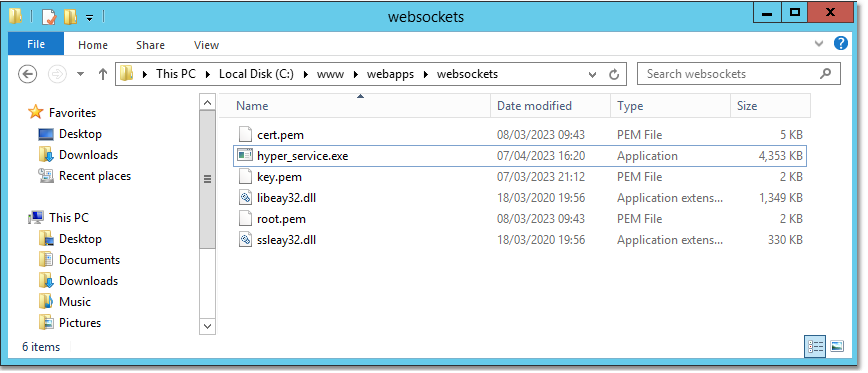
We will deploy the dedicated WebSockets server as a Windows Service. Copy the file hyper_service.exe to the server — this file is deployed with the uniGUI commercial installer. Also deploy the SSL certificate files obtained earlier and any required SSL DLL files.

clip0323
1

Install the Windows service

Run the installer command:

Install service
hyper_service.exe -install websockets

Here websockets is a postfix appended to the service name.

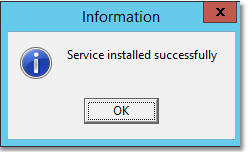
After running the command you should see a confirmation message similar to:

clip0324

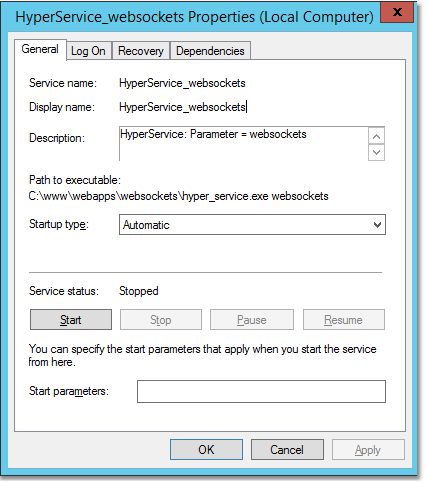
You should also see a new Windows service named HyperService_websockets.

clip0325
2

Start the service to generate CFG files

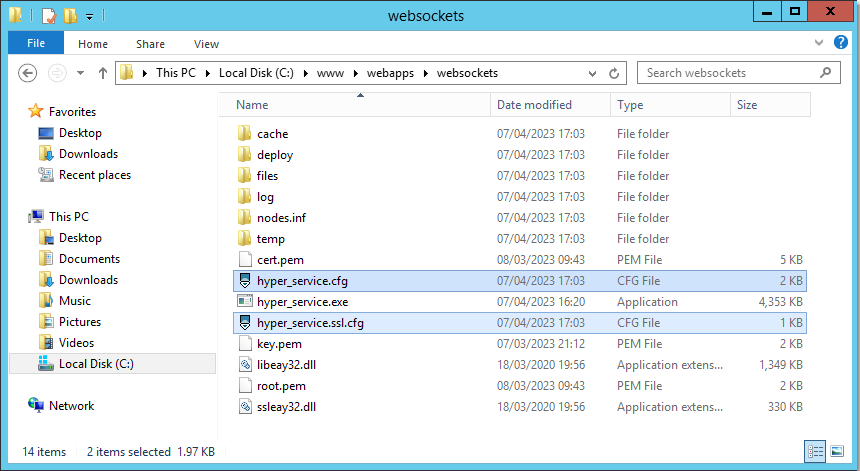
Start (and optionally stop) the service. Starting it will cause the required CFG files to be created automatically. Once the CFG files are created you can edit them and then run the service permanently.

clip0326

You should see two files created in the folder:

  • hyper_service.cfg

  • hyper_service.ssl.cfg

3

Configure non-SSL (hyper_service.cfg)

Edit hyper_service.cfg and set the following under the [hyper_server] section:

hyper_service.cfg
[hyper_server]

port=80

bindings=82.113.145.152

This binds the non-secure WebSocket server to port 80 on IP address 82.113.145.152.

4

Configure SSL (hyper_service.ssl.cfg)

In hyper_service.ssl.cfg enable SSL and set the SSL port to 443. Example settings for the TUniHyperSSL object:

hyper_service.ssl.cfg (SSL section)
object TUniHyperSSL

SSL.Enabled = True

SSL.SSLOptions.RootCertFile = 'root.pem'

SSL.SSLOptions.CertFile = 'cert.pem'

SSL.SSLOptions.KeyFile = 'key.pem'

SSL.SSLOptions.Method = sslvTLSv1_2

SSL.SSLOptions.SSLVersions = [sslvTLSv1_2]

SSL.SSLOptions.Mode = sslmUnassigned

SSL.SSLOptions.VerifyMode = []

SSL.SSLOptions.VerifyDepth = 0

SSL.SSLPort = 443

end
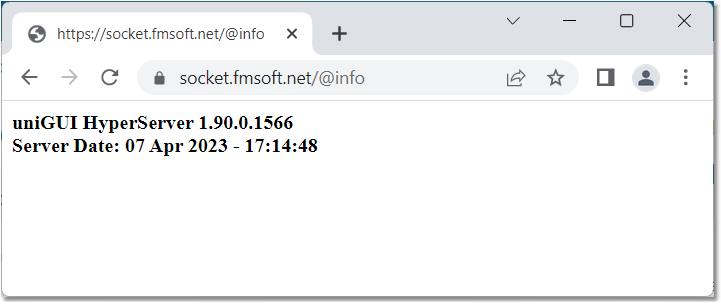
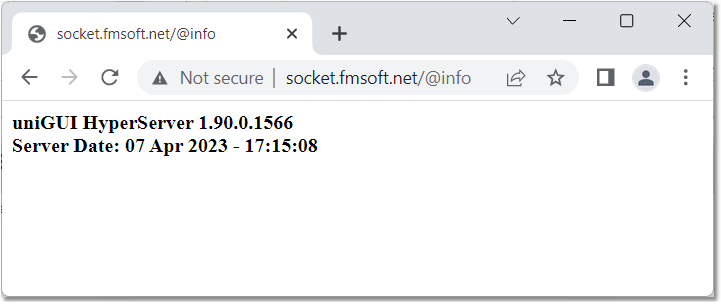
With these settings the dedicated server will serve both secure and non-secure WebSocket requests on the default HTTP ports bound to IP address 82.113.145.152.

5

Verify the server

You can verify the settings by calling the server URLs on the default HTTP ports. Example verification screenshots:

clip0327
clip0328