
Deployment Example
Here we will demonstrate deployment of various WebSockets-enabled projects to a web server owned by FMSoft. We will cover several modes of deployment to show the exact settings needed for a real-world project.
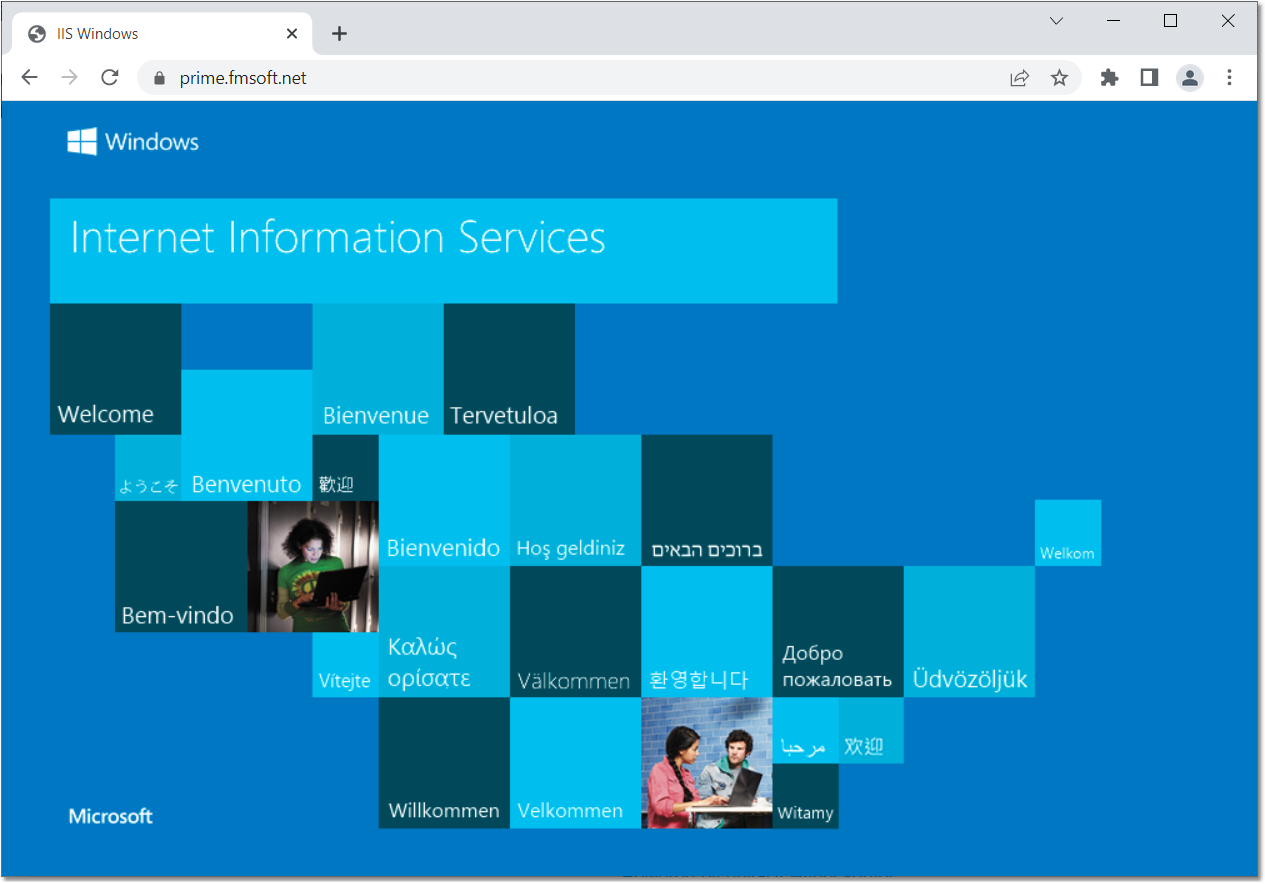
Our web server is located at the main URL prime.fmsoft.net. Pointing a browser tab to this location reveals that it is a Windows Server.
By examining the server network settings we can see that this server owns three dedicated global IPs:
IPv4 Address: 82.113.145.84
IPv4 Address: 82.113.145.152
IPv4 Address: 82.113.145.191
This server hosts FMSoft Customer Portal and uniGUI online demos:
https://prime.fmsoft.net/userv/mportal.dll
http://prime.fmsoft.net/demo/desktop/mdemo.dll
We will add the WebSockets feature to both projects. Since there are several running applications from various sources, we decided it is best to use a Dedicated WebSockets Server: https://unigui.com/doc/online_help/using-a-dedicated-websockets-s.htm