
Updating the Client Directly
When using the WebSockets messaging system it is possible to update client UI elements directly. This eliminates the need to send an Ajax request to the server for each update and can reduce HTTP traffic in systems with many sessions. This approach is particularly useful when you need to update client UI frequently at short intervals (for example, once or twice per second). In such scenarios, the conventional approach (where each socket message causes an Ajax request) may cause heavy traffic with many concurrent sessions.
For a typical web application you probably won't need to update the client directly — you can simply update the client by writing a proper event handler for the OnBroadcastMessage event. However, if you need to update the client UI regularly and frequently, or the updated portion is very small, you can call BroadcastMessage with the boClientOnly option. This prevents the client from sending an Ajax request to the server. The message should be handled in a client-side JavaScript event named socketmessage.
Below we analyze the demo named "WebSocket - Client Update".
There is a TUniThreadTimer component placed in ServerModule which asynchronously generates WebSocket messages.
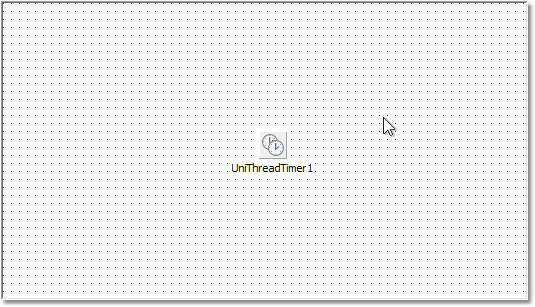
Client-side update (boClientOnly)
Server timer event handler:
A message named update is sent to all existing clients with an argument named value which is a random integer between 0 .. 999. The timer is adjusted to send a message once per second. The boClientOnly option ensures that the message will be processed on client side only and no Ajax request will be fired for this event.
Client-side JavaScript event handler:
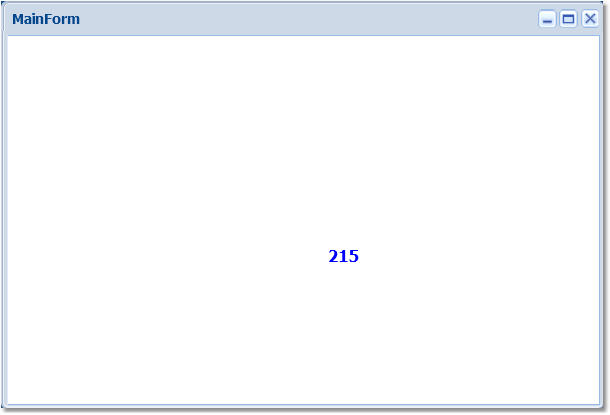
Running the demo produces the client label updating once per second with the random value:
Server-side update (no boClientOnly)
For comparison, remove the boClientOnly option on the server and do not handle the message on the client. Instead use a server-side broadcast handler to update the UI.
Server timer event handler (no boClientOnly):
Remove or empty the client-side event handler:
Add a server-side event handler to update the label:
From the user's point of view the result is the same — the label is updated once per second:
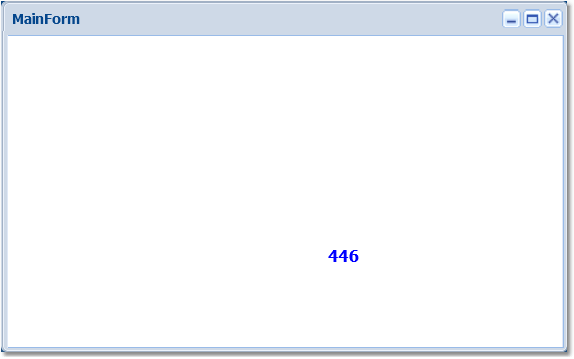
The main difference is that with the server-side event, an Ajax event is generated for each update and for each active client. The same result could often be achieved by placing a UniTimer on the form and updating the label in its timer handler without using WebSockets. Therefore, in scenarios with frequent, small updates where scalability is a concern, the client-side update (using boClientOnly and handling the message in socketmessage) is the preferred approach.
Use boClientOnly and client-side socketmessage handling when you need frequent, small updates to many clients — it avoids generating an Ajax request per update and helps scalability.