Preparing the Applications
After lots of testing in our local development environment, prepare the applications that will be deployed to the production server.
First application to modify to support WebSockets is FMSoft Customer Portal: https://prime.fmsoft.net/userv/mportal.dll
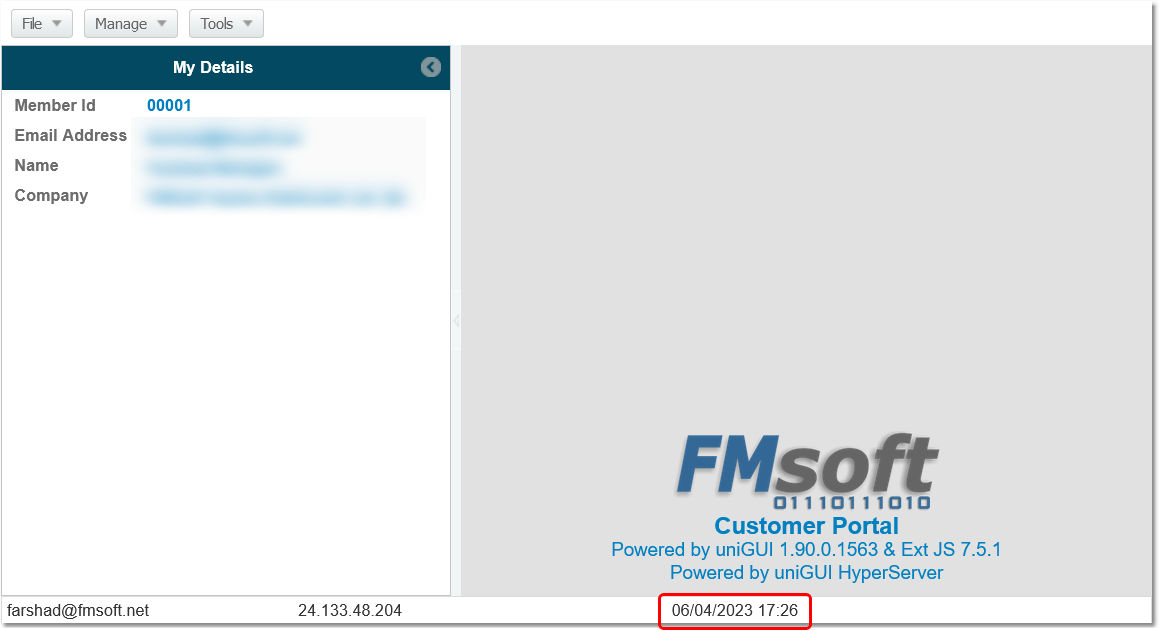
Currently the main form shows a date/time on the status bar that is updated once per 30 seconds using a UniTimer:
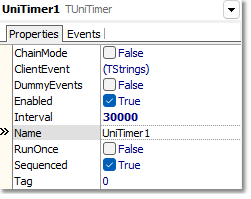
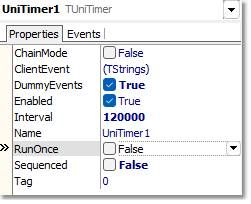
Remove the timer event handler and change the timer interval to tick every 2 minutes only (to keep the session alive).
Goal: update the date/time using WebSocket messages. Use a ThreadTimer in ServerModule to broadcast the date/time every second. The client will process that message and update the date/time from client-side code.
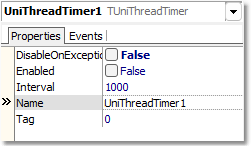
Above: ThreadTimer will broadcast date/time once per second.
Below is the server-side event handler that broadcasts date/time to all clients. Note: the boClientOnly option is used so the event does not fire Ajax requests; events are processed on the client side.
Add a client-side event handler to the main form to process the incoming message and update the status bar:
Enable the thread timer in code only when this Node is "Node Zero" of the cluster. Use the OnClusterNodeIdChange event (fired when NodeId or ServerNodeId changes and also called initially when the module is created). Because it can be called multiple times, assign directly to the Enabled property of the timer.
The ThreadTimer should be enabled only for the cluster node that is Node Zero.
Example enabling code with optional debug logging:
When checking the log file of Node 0 you should see entries similar to:
mportal.exe: 00001AA0: 22:44:25 [TUniServerModule]:Node Id = 0
mportal.exe: 00001AA0: 22:44:25 [UniThreadTimer1]:Timer Enabled for Node: 0 -1
Testing on a local PC shows the timer is working properly and messages are processed by the client-side event handler.