Running Server Farm in Mode-2

In our previous attempt to create a HyperServer server farm we chose Mode-0 as operation mode. Now let's modify the settings and run the cluster in Mode-2. We always recommend testing your cluster in Mode-0 first before switching to Mode-2, even if you plan to run the cluster in Mode-2 from the beginning.

There are a few settings that should be altered or added to turn our cluster into a Mode-2 server farm — most changes are in the master HyperServer CFG file.

1

Update each ServerNode configuration

For each ServerNode that we have previously configured, make the following changes in that node's section:

  • Set cluster_mode to 2

  • Set global_url to the node's global address

  • Enable avoid_direct_access

Example settings to add/change:

[server-0]

cluster_mode=2

global_url=http://192.168.1.15:8077

avoid_direct_access=1

Notes:

  • In this example the Ubuntu test server is on a local network with IP 192.168.1.15, so the global URL used is http://192.168.1.15:8077.

  • In production, assign a global URL that is reachable from the public Internet if needed.

  • avoid_direct_access prevents direct attempts to run web applications by accessing the server node URL directly.

2

Repeat for other ServerNodes

Repeat the changes above (cluster_mode, global_url, avoid_direct_access) for each ServerNode in the cluster.

3

Restart services

After making the changes on all ServerNodes, restart the cluster ServerNodes and the master HyperServer instance to apply the new configuration.

4

Test the configuration

After restarting, test the system by calling the same URLs used previously:

  • http://:88

  • http://:88/paint

  • http://:88/action

You should observe redirects from the master to the appropriate ServerNode addresses (example screenshots below).

Here is how the CFG file looks after making all changes (example with three server nodes):

hyperserver.cfg
[server-0]

enabled=1

url=http://localhost:8077

name=ServerNode-A

cluster_mode=2

global_url=http://192.168.1.15:8077

token=jvzwhi241216124851751

avoid_direct_access=1

error_redirect_master=0

url_timeout_secs=300

[server-1]

enabled=1

url=http://localhost:8078

name=ServerNode-B

cluster_mode=2

global_url=http://192.168.1.15:8078

token=dqffyr241227100848413

avoid_direct_access=1

error_redirect_master=0

url_timeout_secs=300

[server-2]

enabled=1

url=http://localhost:8079

name=ServerNode-C

cluster_mode=2

global_url=http://192.168.1.15:8079

token=qvnfbg241227101921291

avoid_direct_access=1

error_redirect_master=0

url_timeout_secs=300
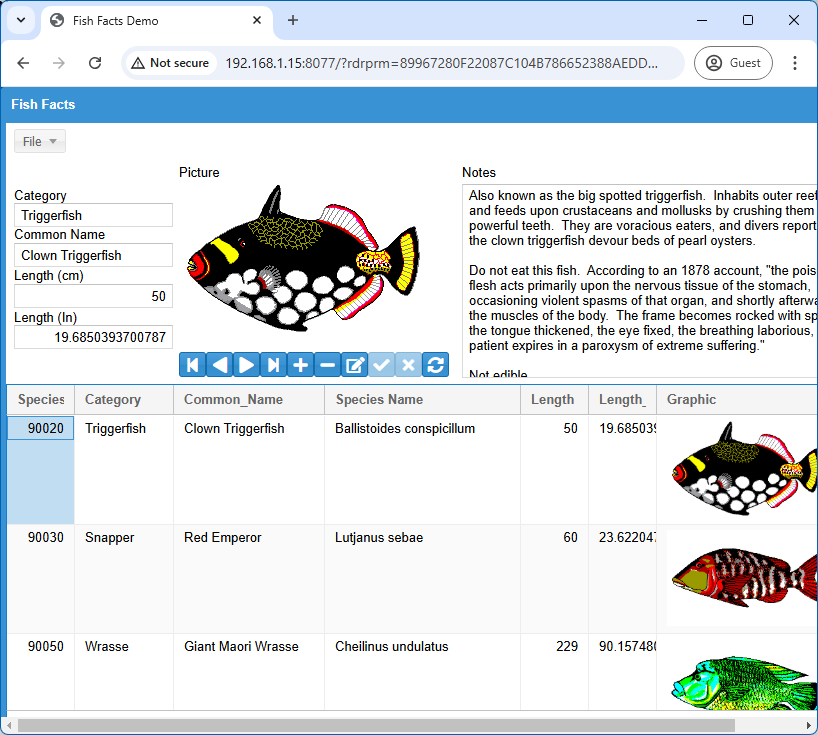
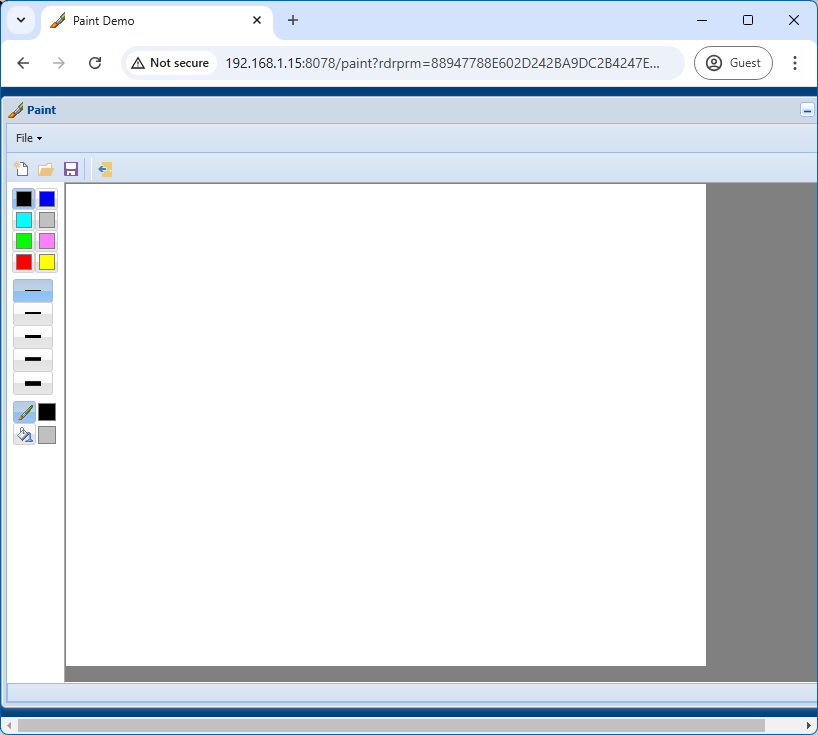
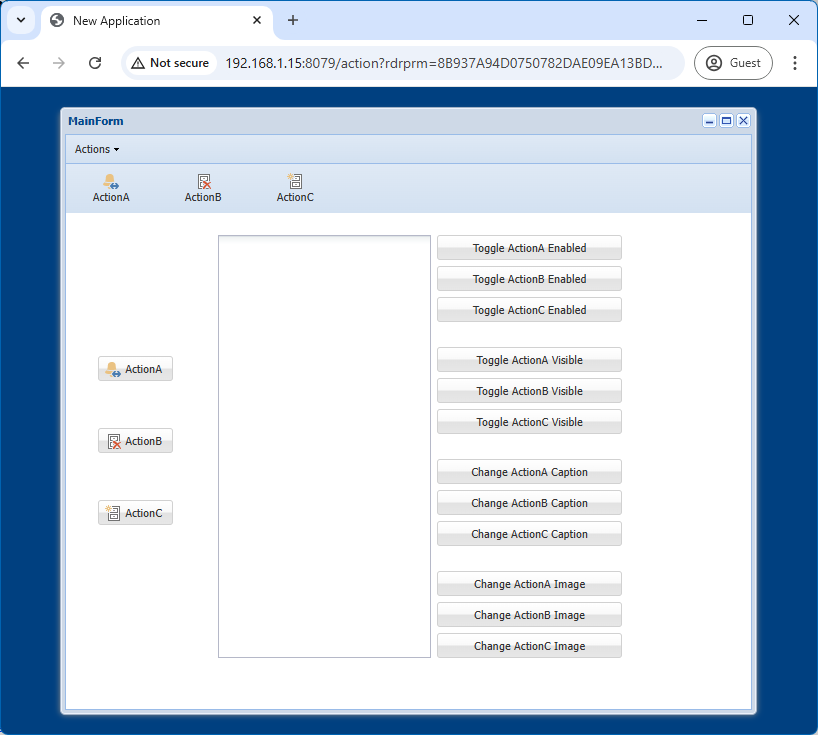
Screenshots from testing:

http://:88

http://:88/paint

http://:88/action

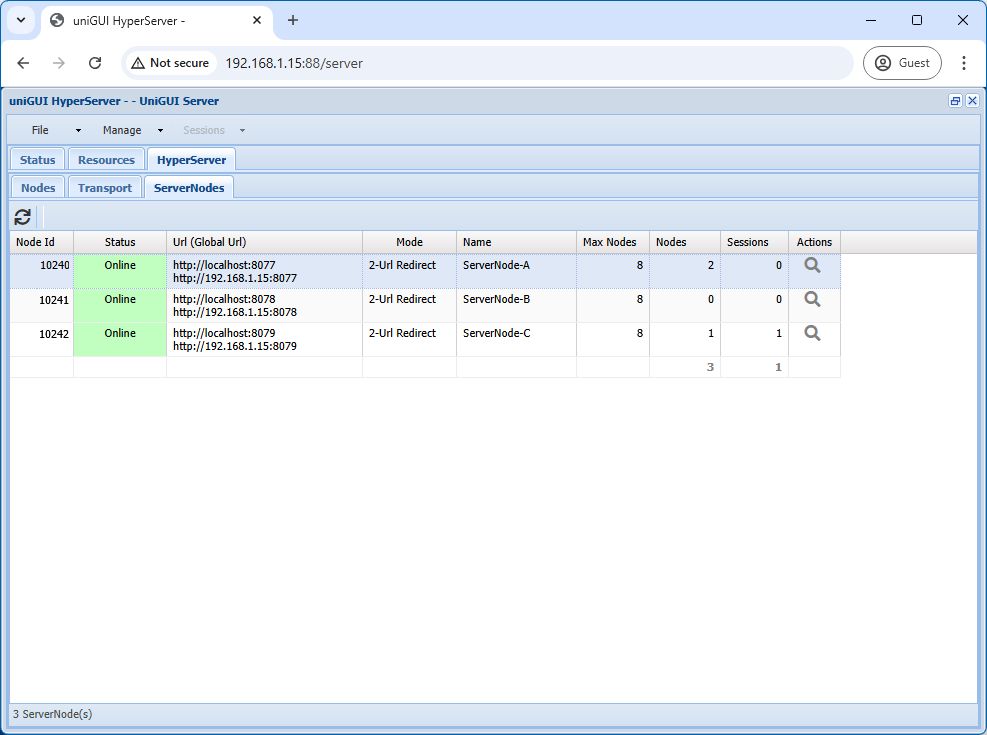
Master HyperServer control panel after reconfiguration for Mode-2:

For more details about Mode-2 URL configuration, see: https://unigui.com/doc/online_help/configuring-server-form-for-mo.htm

Atualizado