
Trial Edition
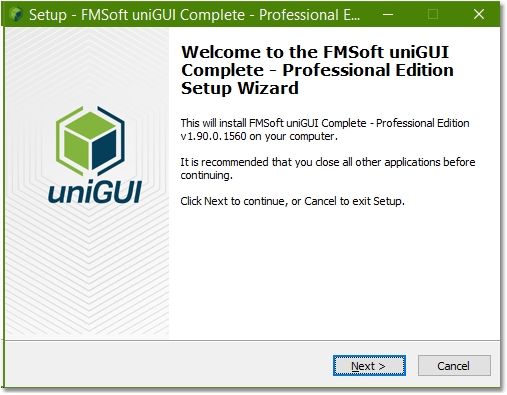
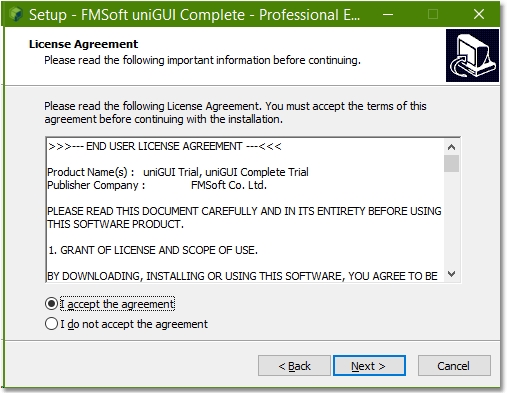
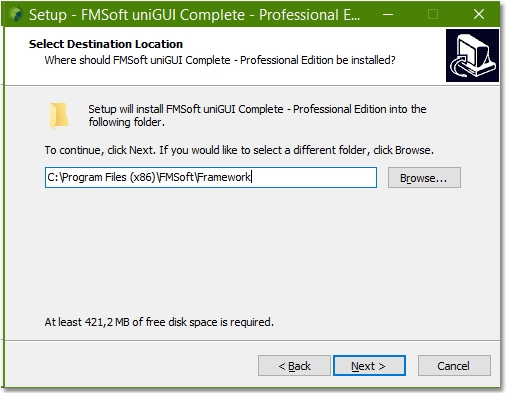
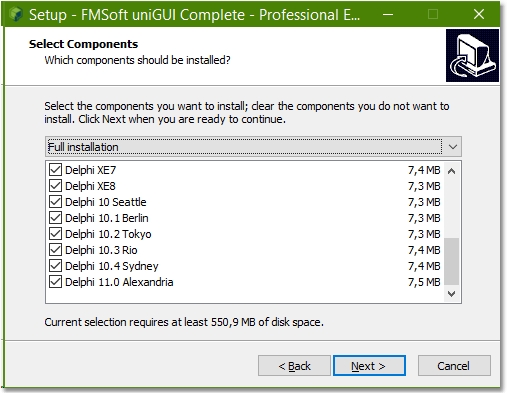
Installation instructions for uniGUI
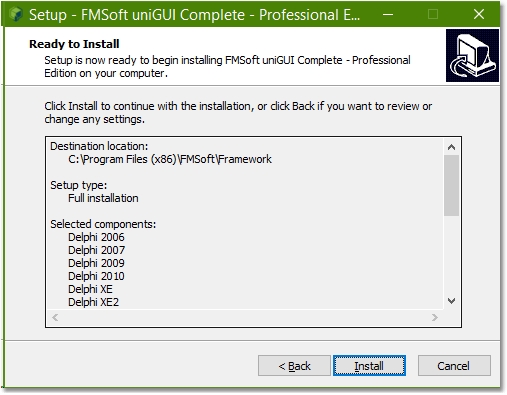
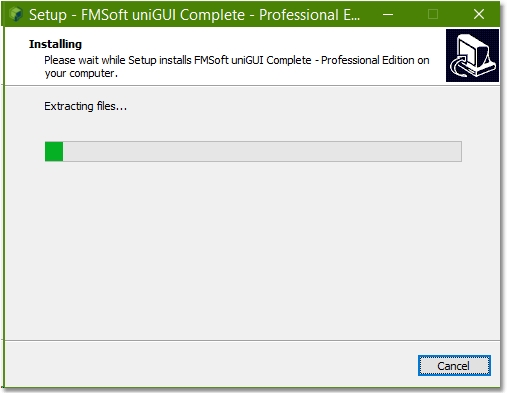
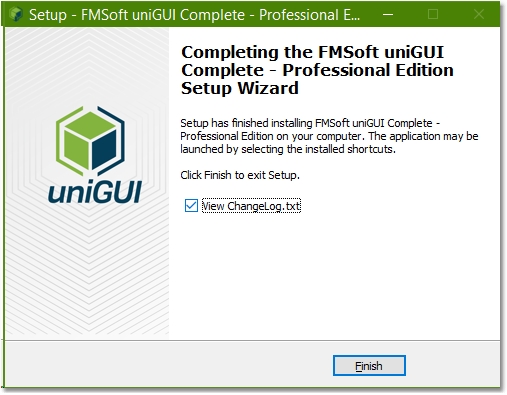
Before installing a new version please uninstall any previous uniGUI version.
Build packages
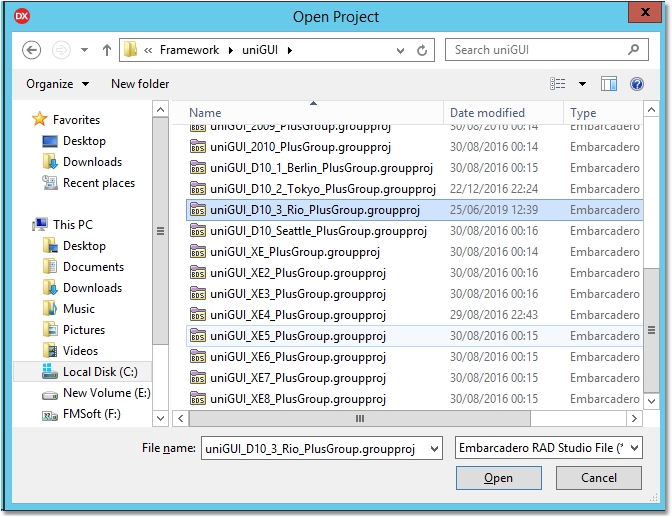
In the project group there are a number of Delphi packages. Build all of the packages starting from SynEdit_Rxxxx.bpl. You can run the IDE Build All command for the whole project group.
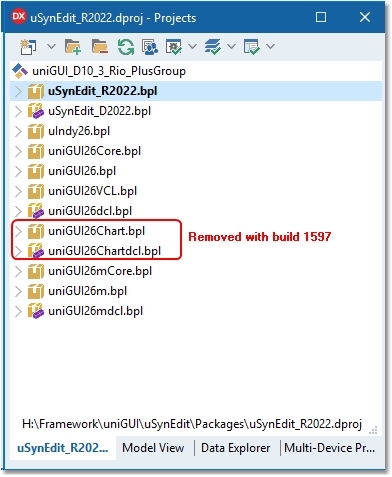
Do not select Clean All or Clean commands for any of the uniGUI packages. This will delete all pre-compiled DCU files from the DCU folder and you will have to install uniGUI again.
Install design-time packages
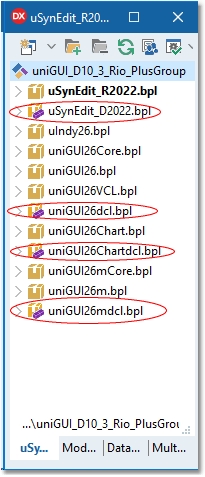
After building all packages, install the design-time packages by right-clicking each package and selecting Install in the following order:
SynEdit_D20xx.bpluniGUIxxdcl.bpluniGUIxxChartdcl.bpl(Starting from build 1597 this package is no longer available)uniGUIxxmdcl.bpl(Plus/Complete Editions only)
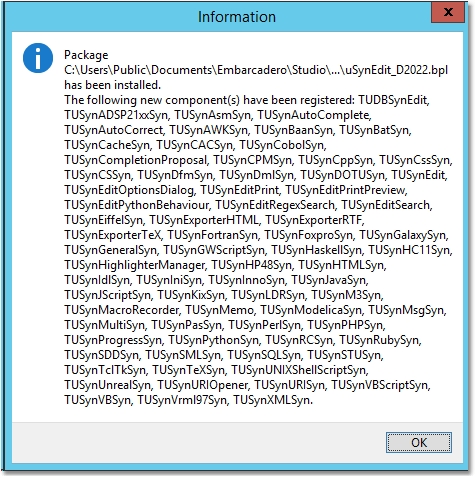
Several new components will be installed:
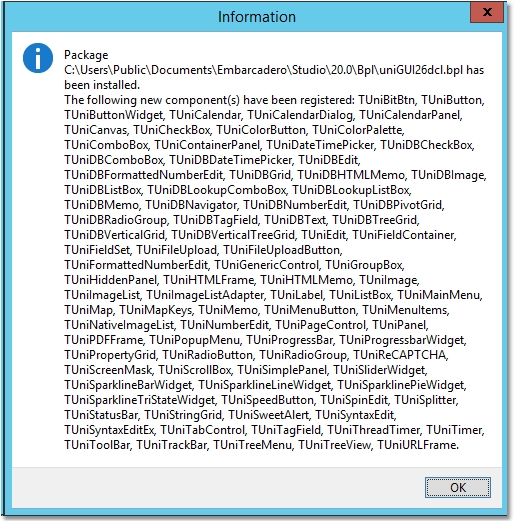

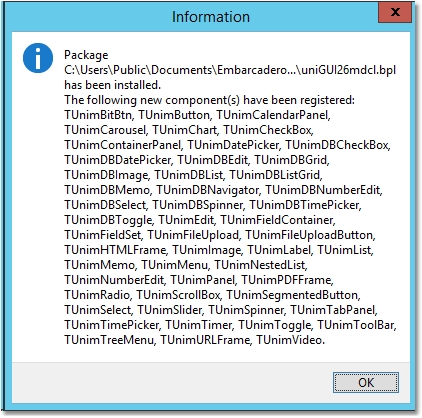
Now the installation is completed. You can proceed to running demos or creating new uniGUI projects.