Building 64-bit library files
As described in the C++ Builder (Without RAD Studio) section, you can build uniGUI library files (including C++ related object and header files) using the batch files located in the uniGUI installation folder.
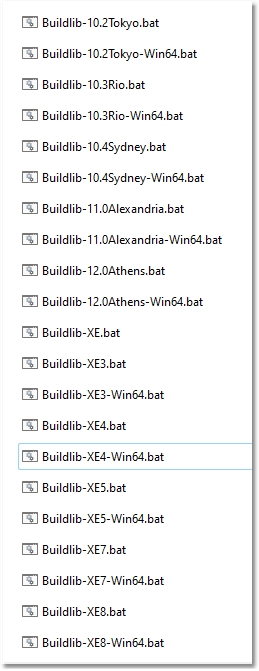
These batch files can generate library files for both Win32 and Win64 platforms. This is especially useful if you intend to deploy Win64 applications along with Delphi Runtime Packages (both C++ Builder and Delphi).
Generating library files using the batch files is straightforward: run the correct batch file for the Delphi version you want to create library files for. The only prerequisite is to run Delphi or the C++ IDE once after installing uniGUI; otherwise msbuild may fail to find some related paths needed to locate source files or DCU files.
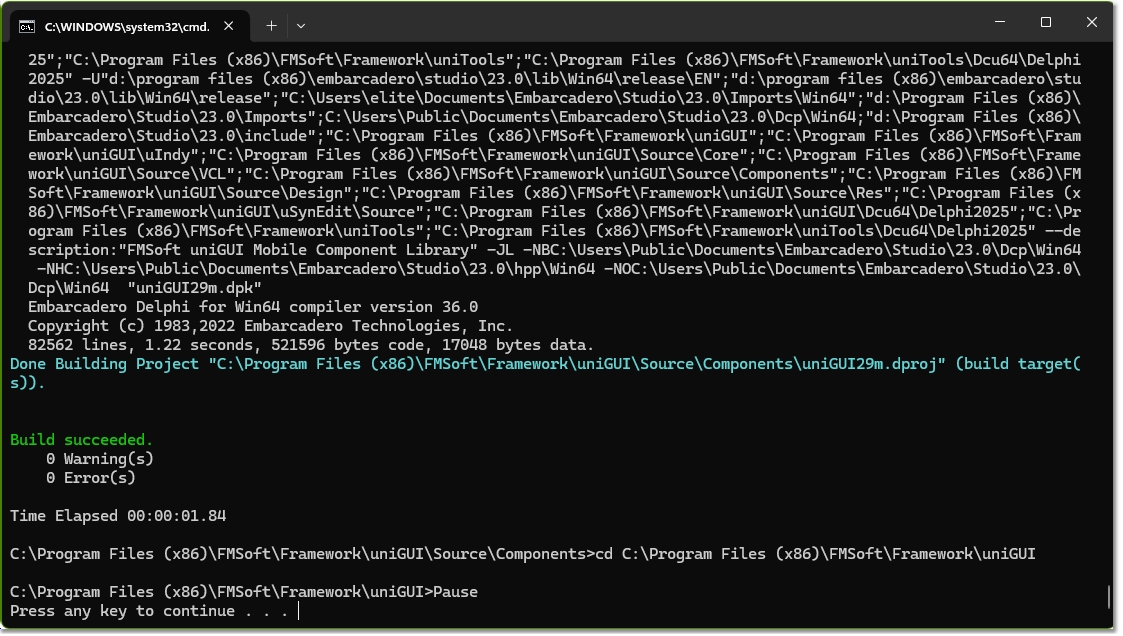
A successful build should complete without errors and produce an output screen like the one below:
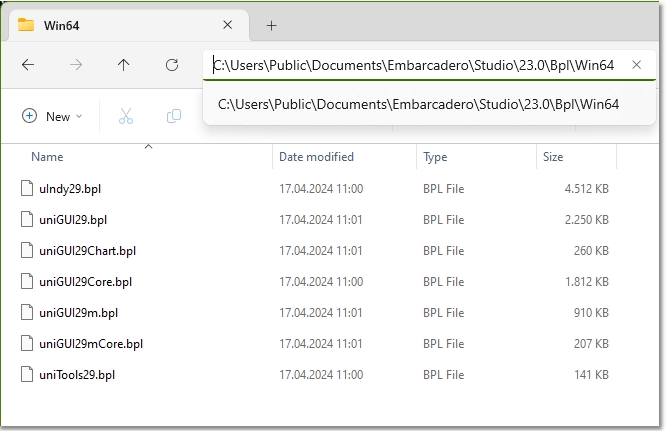
Generated BPL files can be found in the default RAD Studio library path. In the image below these are 64-bit BPL files for Delphi 12.0.