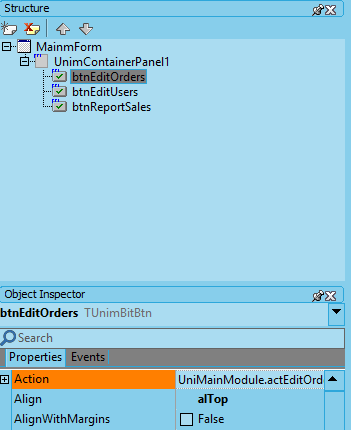
Main Form (launching pad)
As expected, the visual design of a traditional "desktop" form exposing the main services of an application is different to the latest touch-enabled user interfaces. The first design assumes the use of a high precision device, a mouse, instead of a fat finger which is the usual "device" for the second. It is also common in old-school user interfaces to access services through the "main menu".
Both user interfaces will give access to the same services, and a good implementation should keep the differences in the user interface code, sharing the same business logic.
Desktop Main Form
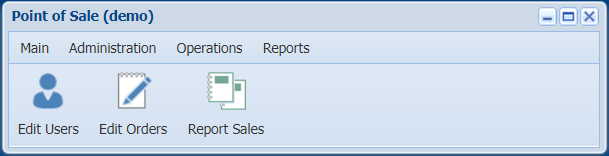
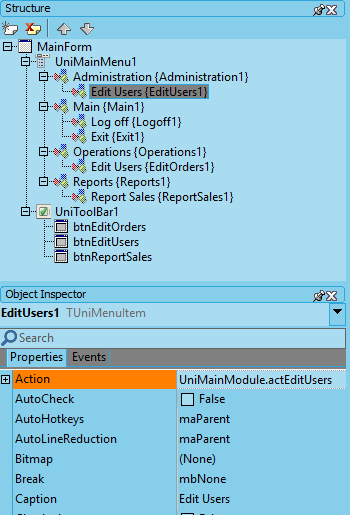
There are just two lines of code in this form which are redundant, showing the difference between logoff and closing the session. Except for these two optional lines of code, the only link between this form and the MainModule is the link between menu items and toolbar buttons to actions.
The visual design is exposed in its structure:
Touch Main Form
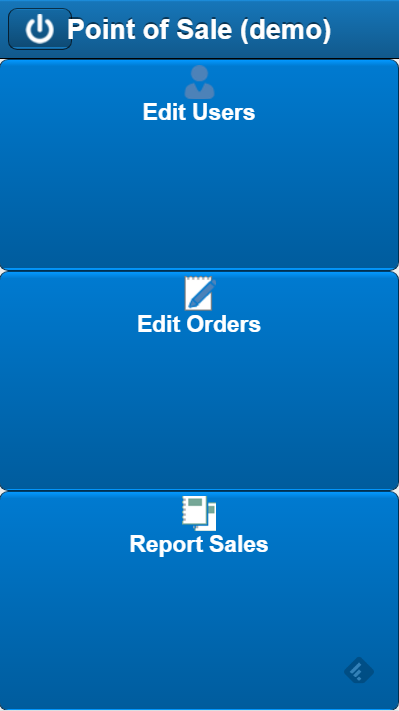
The only difference between this code and the previous code is the absence of the main menu.
The structure is also similar.