Features and limitations
This demo application illustrates several best practices, but it is simple enough to read and test. As such, some features involve limitations.
What is the application about
It is a very limited Point-of-Sale application.
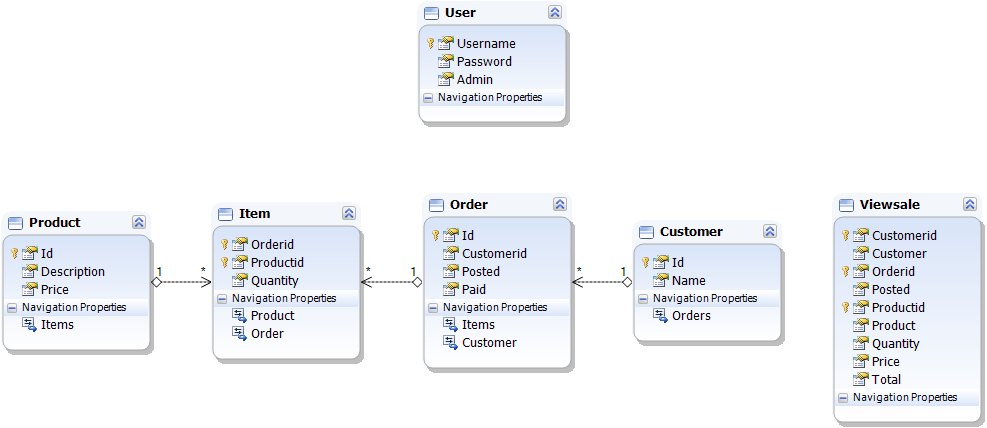
Users are the operators.
Users with administrative rights can create other users.
All users can enter orders.
Orders identify the customer.
Orders know when they were created and when the customer paid for them.
Each order can have several items.
Items refer to some product quantity.
Products have a price.
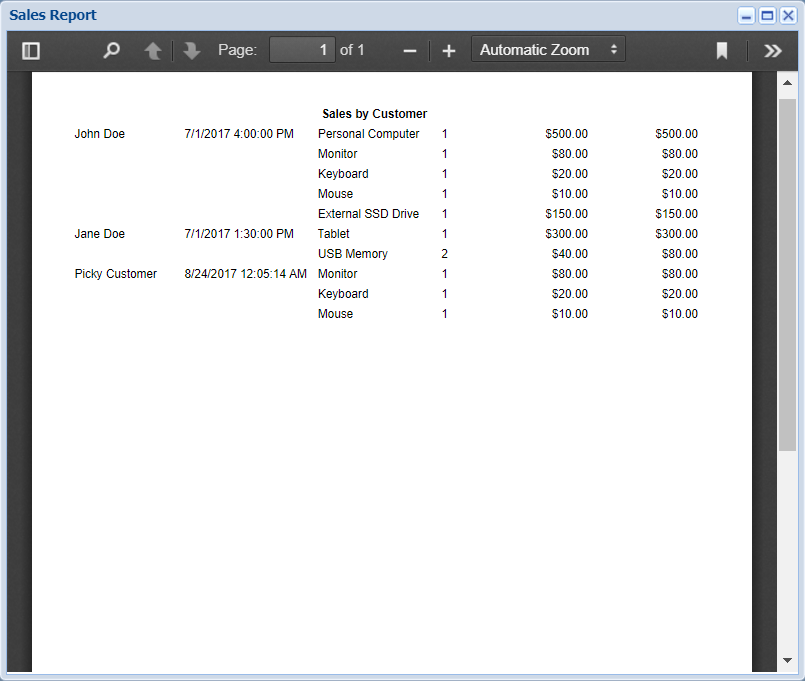
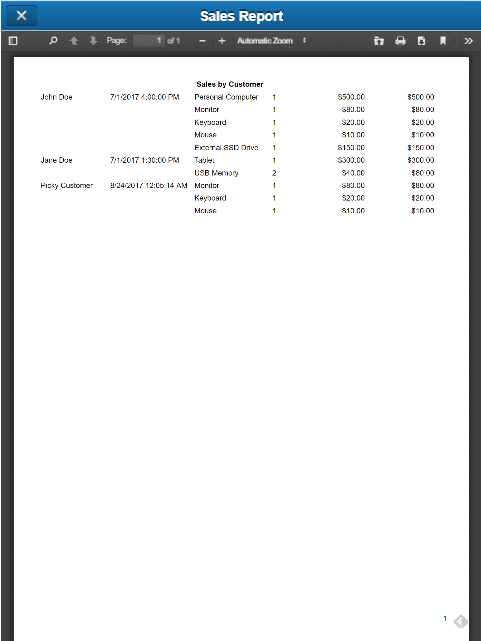
A Sales Report will export and show a PDF file with all the registered orders.
There are several obvious limitations:
The same user can login from several devices
Orders are not recording the user
Paid orders are not read/only
The report does not provide any filtering
As will be clear after looking at the code, it will be easy to overcome most of the previous limitations.
It is a database-based application
Even small web applications use some persistence. The most common persistence is a relational database, shared by multiple sessions. It is important to select an appropriate database, capable of delivering the expected performance (response time, concurrency) according to how many concurrent sessions the application will accept.
The demo application uses SQLite, a database better suited for briefcase use.
The only reason for using SQLite is that FireDAC supports it natively, without needing any external driver.
Instead of SQLite, Microsoft SQL Server Express (or LocalDB) could be a better option.
If the application should be able to support or use a different database engine in the future, instead of "hardwiring" the current choice, it could be better to use an ORM (Object Relational Mapping) tool. For example, the following design was reverse-engineered from the SQLite database by Devart Entity Developer.
The data access technology is FireDAC
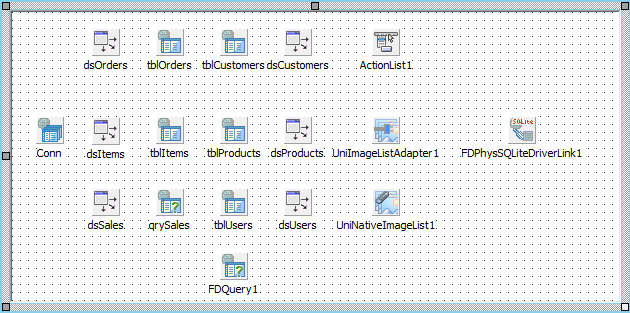
As FireDAC is the Delphi preferred data access technology and it provides native support for SQLite, this demo uses FireDAC data access controls.
How to access the application
As any web application, you will need a modern browser.
A standard best practice is to use a login form to handle the user rights.
If using a login form, it is a best practice to use SSL (https://unigui.com/doc/online_help/features-and-limitations.htm), but this demo does not use SSL (just http://)
There are two entry points to the application:
http://:8077 for the full desktop-like experience
http://:8077/m for the mobile/touch-enabled experience
Access control
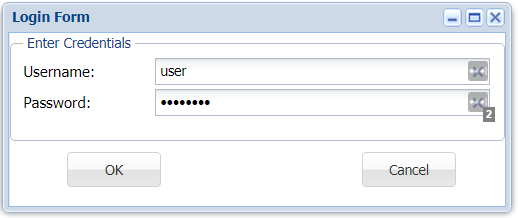
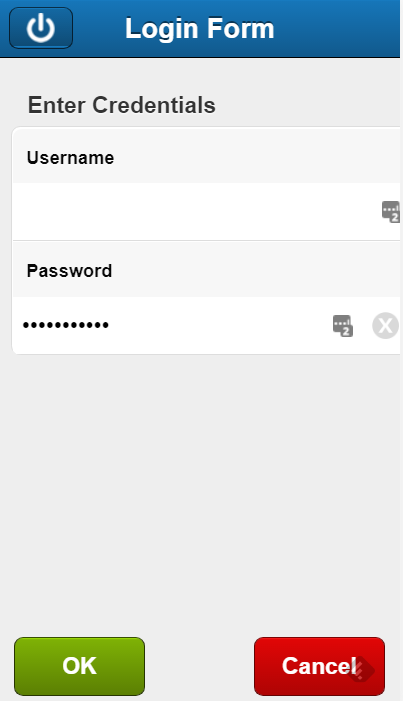
The application login form uses the minimum standard for authenticating users: username and password.
As usual, the password is masked with asterisks.
Passwords should not go to the database. Best practices suggest to store a hash instead.
This application stores the unencrypted password in the database (it is not important to show how to build the uniGUI application).
Once the login is successful, the application will know if the current user is an administrator (administrators can manage the user list).
It is out of the scope of this document, but RBAC (Role-Based Access Control) describes how to manage privileges and roles (that is, each user could act in several roles, each of them giving specific permissions).
Main Form
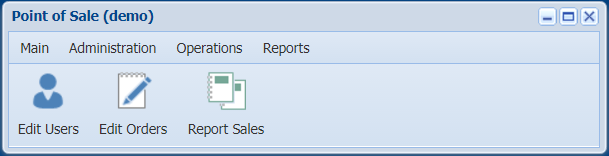
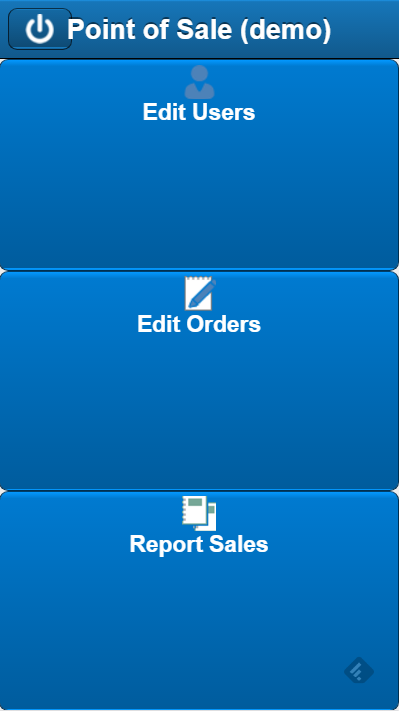
The main application form is usually the "launch pad" for the application. It is the place from which the user executes the application modules.
A small application like this demo will have a few modules. It uses a tile-style UI (standard menu plus toolbar or just a few big buttons).
Medium or large applications with many modules should use a different paradigm. One good start could be to use a navigation tree on a left panel, and a page control for hosting modules to the right.
Edit Users Form
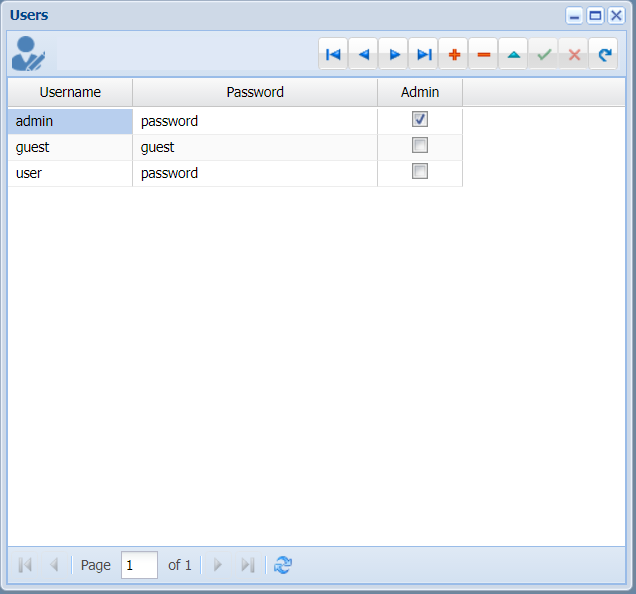
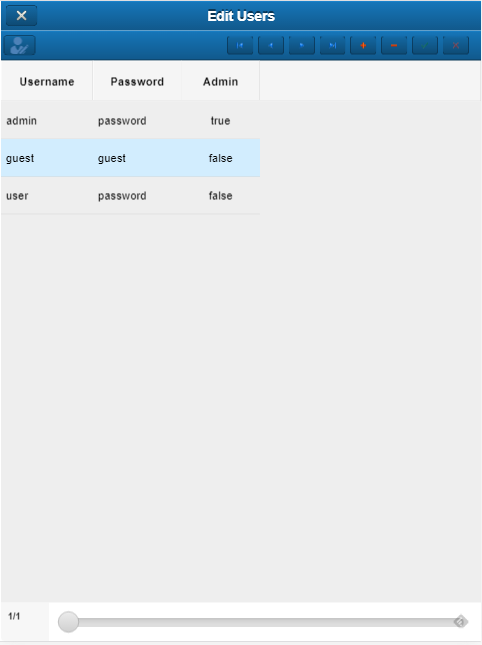
Users of the application will operate the application. Administrators can create and edit other users, while other users can only access orders and reports. In addition to the limitations already mentioned, there is another limitation which is a pending improvement. The button on the toolbar allows toggling the "admin" status of the selected user. In the visible snapshot, pressing the button will pop up a message "You need at least one admin account!", but if the same change happens using the checkbox, it will be accepted. The same validation should happen in the OnBeforePost event of the table Users.
Storing and showing the passwords is also wrong. In a future implementation of this demo we will apply some best practices about application security.
Edit Orders Form
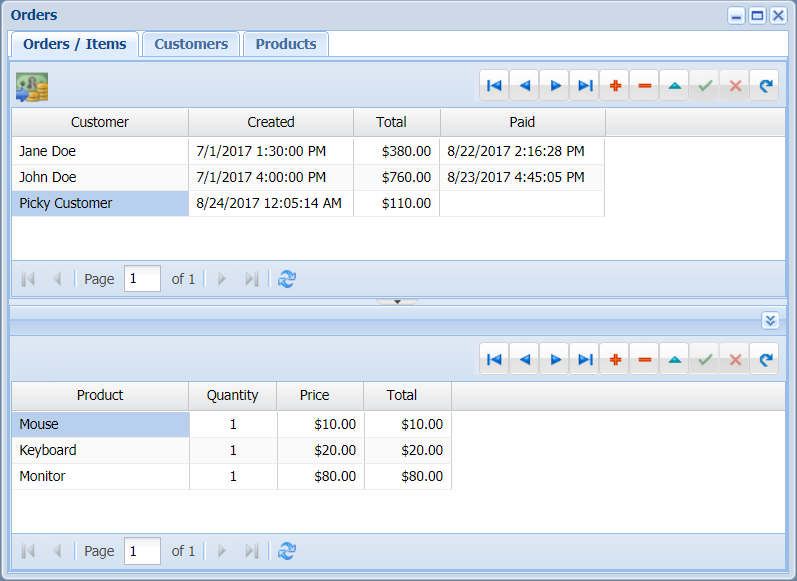
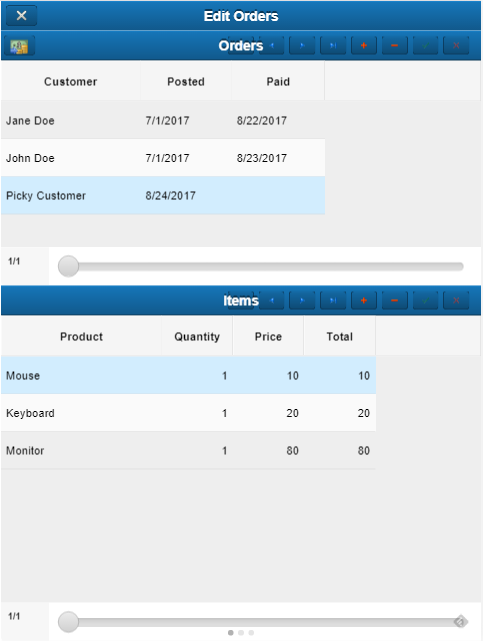
This simple Point-of-Sale application will record orders with their items, and it will identify the customer. The database already contains some data, but to be able to manage all required information, it is possible to edit customers and products. Each new order records the time it started (Created). When the order is finished and paid, the user presses the button (Mask as Paid) and the time is recorded (Paid).
Notice that a paid order should become read/only, but it is not enforced in this implementation.
Report Sales
This is a demo about how to use Fast Reports in a web application. It shows how to modify Fast Report settings to avoid unnecessary visual pop ups, execute it in thread-safe mode, and consume resources on demand.