
Standalone Server
Standalone Server mode is very similar to a VCL Application with some differences which makes it a better option for Web deployment. In this mode, your application main form is no longer visible on the desktop; instead an icon is placed in the Windows taskbar.

Double-clicking on this icon will open the application control panel. Below you see an initial version of the control panel.
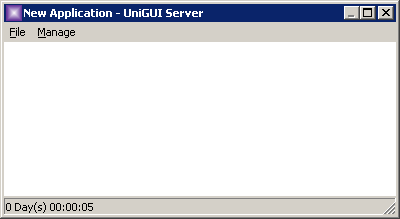
You can shut down a running server by right-clicking the taskbar icon and selecting Shutdown, or by opening the server control panel and selecting Manage → Shutdown from the top menu.

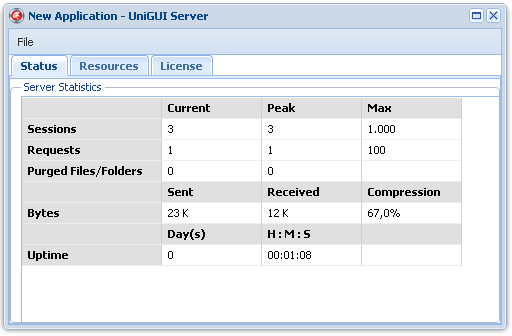
One of the advanced features in uniGUI is that the Control Panel is accessible from the web. You can access the control panel using this URL:
http://mysite:port/server
The default icon can be replaced by either changing the Delphi Application Icon or assigning a new Icon to ServerModule->Favicon.
Standalone Server is a good option for debugging your application or when you need a web server and server availability is not critical. To automatically start the server, place a shortcut to the server executable in the Windows Startup folder. In this mode, the server will not start until a Windows user logs in.
For serious deployment you should use either the ISAPI Module or the Windows Service deployment options.