Monitoring Sessions

uniGUI Server Monitor also allows you to monitor individual sessions. To enable this feature set the soEnableSessionMonitor option in the ServerModule: https://unigui.com/doc/online_help/server_module.htm

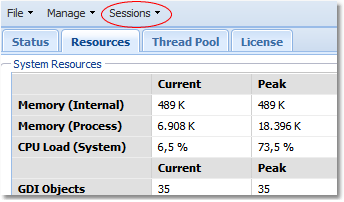
Setting this option will enable the Sessions menu.

clip0213
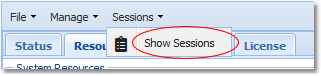
clip0214

Choosing the Show Sessions menu item will open a new tab named Sessions.

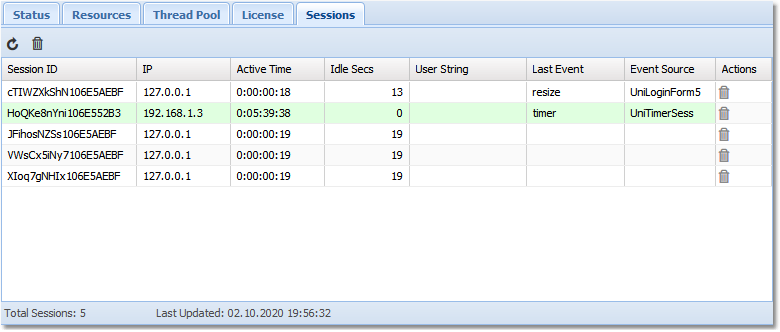
clip0215

In the grid you can see a list of all active sessions. It is a dynamic list and is updated every 30 seconds. You can also manually update it using the refresh button:

clip0216

You also have the option to terminate a single or all sessions remotely. This option is not enabled by default. There are two ways to enable session termination (admin mode):

1

Permanently enable via ServerModule option

Set soEnableSessionMonitorAdmin in the ServerModule: https://unigui.com/doc/online_help/server_module.htm

2

Selectively enable in OnControlPanelLogin

In the OnControlPanelLogin event set UniSession.AllowSessionAdmin depending on the logged-in user. Example (simple demo — a production implementation should verify credentials properly):

When admin mode is enabled you will have the right to remotely terminate sessions. Use the trash bin icon in the Actions column to terminate a specific session. To terminate all available sessions, use the trash bin icon on the top toolbar.