
Adding Custom Ext JS Events
There are cases when you may need to define your own client event functions. One case is when some Ext JS events may not be available in the uniGUI Event Editor (for example when a newer Ext JS version is available and not all new events are imported into uniGUI JS Event Editor). You may also add your own event handlers to an Ext JS class and want to use them in uniGUI. In both cases uniGUI provides an easy method to add a custom event handler.
Example: Ext JS client-side event focusenter is not included in the Event Editor:
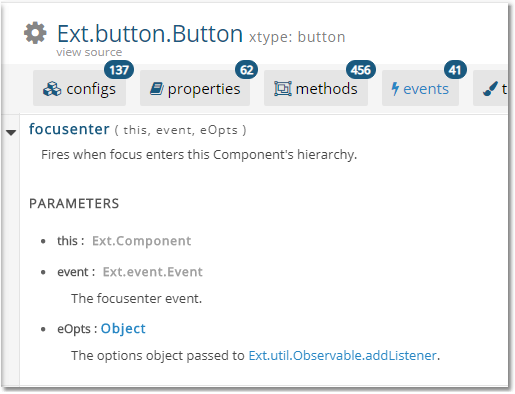
Follow these steps to add it:
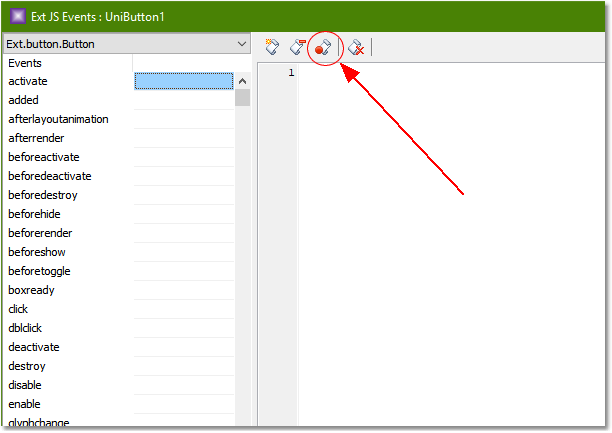
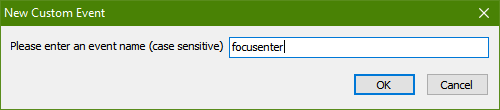
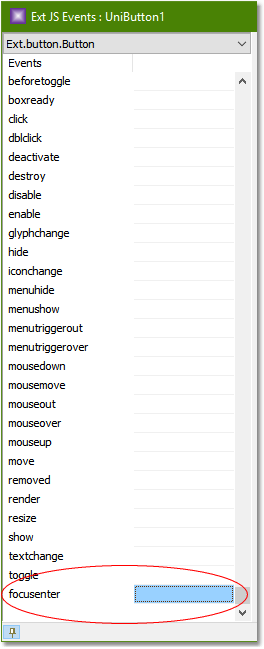
Create the event handler
Double-click the event name to create an event function in the editor. A new function with a default parameter list is created. These default parameters may not reflect the exact parameter list and parameter names of the real event; you can freely edit the function to match the correct parameters.
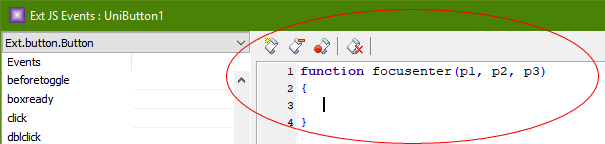
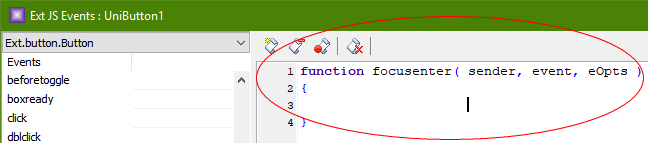
Example handler:
You can use the code above to change the button caption when it receives focus either by clicking or by selecting it with the Tab key.
Related: original page — << Click to Display Table of Contents >>